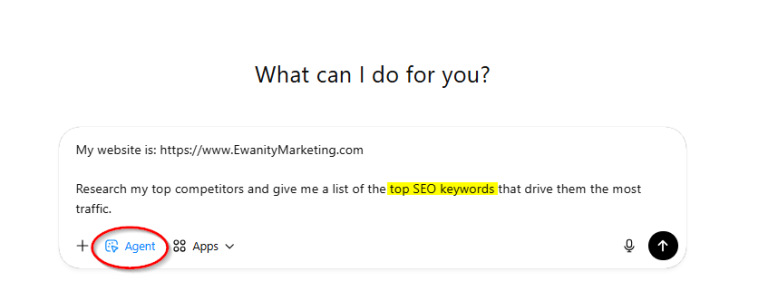
Regex filters in Google Search Console are underutilized for SEO and AEO. By entering a code (see below), you can pull up a list of words strings that people enter to visit your site. Using this list, you can further optimize your site and social content.
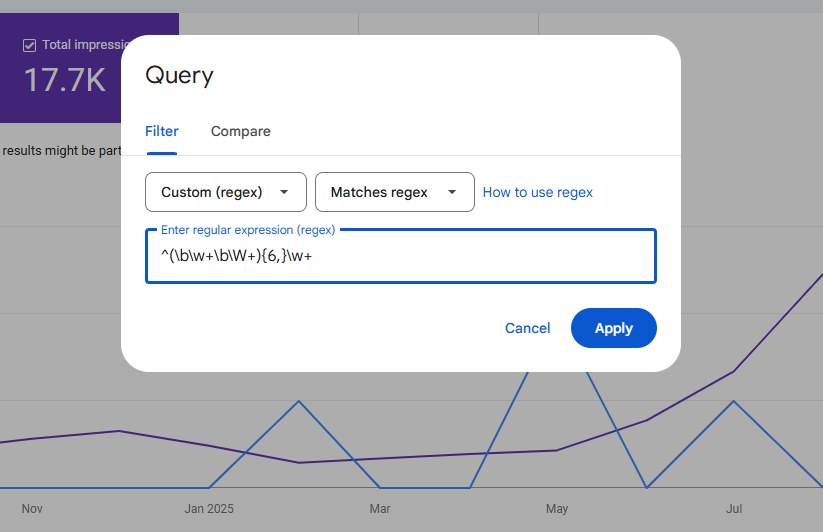
Here’s how to use a custom Regex filter in Google Search Console:
 Go to your Performance in Google Search Console Add a custom Regex filter Input this code: ^(\b\w+\b\W+){6,}\w+ Adjust the date range as desired
This pulls up a list of all the search queries that are 7 words or longer (the first word + 6 more) that people typed into Google and clicked on your site.
(You can change the 6 to any number you want.)
Now you can find all queries (i.e. questions) people typed to find you and ensure your site us optimized for those questions so that you rank higher for those phrases the next time someone has that same query.
This will also help you with AEO as these are likely the same types of questions people are entering in AI prompts.